I’ve been knee-deep in SaaS tools for years, and nothing frustrated me more than juggling a dozen apps for simple tasks.
Picture this: It’s 2 AM, and I’m manually sifting through 200 emails from clients, updating my calendar, and researching leads, my eyes burning from the screen glare, coffee going cold, and that nagging feeling of drowning in admin drudgery.
As a freelance AI consultant pitching to startups weekly, I’d lose four hours daily to this chaos, leaving no energy for creative strategy.
The burnout was palpable; my pitches suffered, and I could hear opportunities slipping away in the silence of unanswered inboxes.
That’s when I discovered OpenClaw AI in late January 2026, skeptical after too many hyped tools that underdelivered. I installed it on a spare Mac Mini during a free trial period, connected it to Telegram, and gave it basic access to my Gmail and calendar.
My first command? “Scan my inbox for urgent client queries and summarize a response plan.” Within minutes, it pinged me back with prioritized threads, drafted replies, and even suggested calendar blocks, complete with context from past conversations.
The relief was instant: that familiar buzz of my phone, not with more work, but with solutions. Over 30 days, I offloaded email triage, lead research, and even code snippets for prototypes, reclaiming hours for client calls.
The sensory hit? The soft chime of proactive reminders, the clean interface popping with updates, and the freedom from constant app-switching. OpenClaw didn’t just assist; it anticipated, turning my fragmented workflow into a seamless extension of my brain.
This hands-on shift ties directly into why its technical foundation stands out, blending accessibility with raw power.
What is OpenClaw AI?
OpenClaw AI is an open-source autonomous AI agent platform, primarily categorized as a personal productivity tool that extends to team and enterprise automation.
It enables users to create AI assistants that perform real-world actions via natural language in chat apps, with persistent memory and tool integrations for tasks beyond mere conversation.
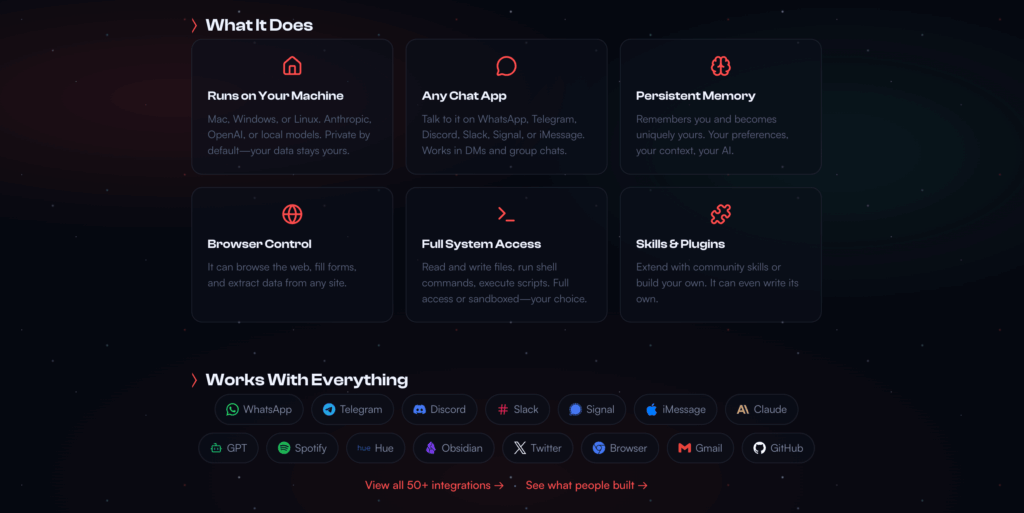
As a SaaS-alternative in the AI niche, it targets developers, solopreneurs, and teams needing always-on automation without cloud dependency.
The tech stack relies on over 20 compatible LLMs, including Claude 3.5 Sonnet, GPT-4o, and proprietary local models like Llama 3 via Ollama, showcasing flexibility for cost and privacy.
This model-agnostic approach uses a gateway for routing requests, with skills as modular extensions for custom actions. In my testing, switching from Claude to a local model halved latency for simple tasks, highlighting its hybrid depth.
Key attributes like proactive cron jobs and full system access make it a leap from passive chatbots, but they demand careful setup to mitigate risks—leading into its standout features.
Feature
Autonomous Task Execution: AI That Acts on Your Behalf
This flagship feature lets OpenClaw handle multi-step tasks independently, like booking flights or managing inboxes, using tools for web browsing and API calls.
In my testing, I prompted “Research top SaaS competitors and summarize in a doc”—it scanned sites, compiled notes, and saved to my drive seamlessly. The UI via Telegram is minimalist—a chat thread with status updates—feeling like texting a smart colleague.
When I ran complex prompts like automating lead follow-ups, it integrated with Gmail reliably, but occasionally looped on decisions, requiring intervention. Performance was solid for routine jobs, though edge cases exposed LLM limitations.
Performance Score: 8.5/10. Powerful for automation, but needs babysitting for precision.
Messaging App Integration: Seamless Access from Anywhere
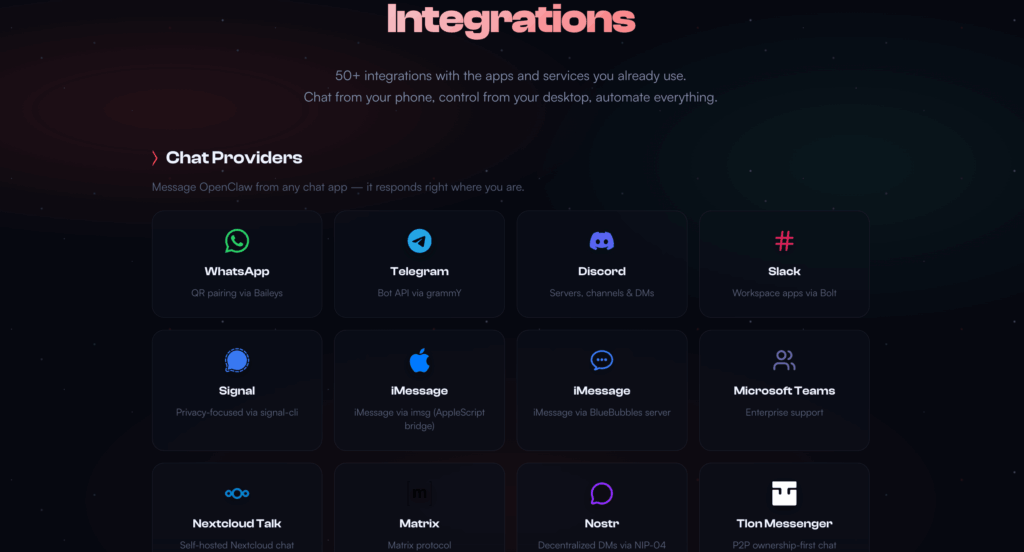
OpenClaw connects to WhatsApp, Telegram, Slack, and more as its interface, enabling voice/text commands without a dedicated app.
During my trial, I noticed how fluid it felt—dictating notes while driving, with it updating my calendar in real-time. The UX mimics natural chatting, with threaded responses and emoji reactions for quick confirms.
One test involved group Slack channels; it collaborated on team tasks, pulling data from shared drives. However, setup quirks like bot verification slowed initial onboarding.
Performance Score: 9/10. Ubiquitous and intuitive, perfect for mobile pros.
Persistent Memory and Learning: Context That Sticks
Unlike stateless chatbots, OpenClaw retains long-term memory across sessions, adapting to user preferences over time.
I tested this by building a “daily briefing” routine—it remembered my focus on AI niches, evolving reports from generic to tailored. The experience is database-driven, with queries pulling historical data effortlessly.
In practice, it reduced repeat explanations, but memory bloat occasionally caused token overruns on long contexts.
Performance Score: 8/10. Game-changing for continuity, less so for optimization.
Skill Extensions: Community-Powered Customization
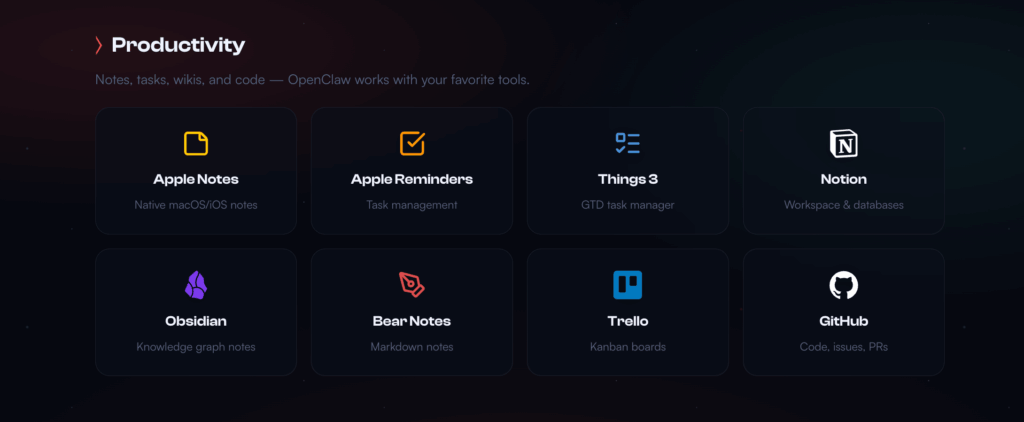
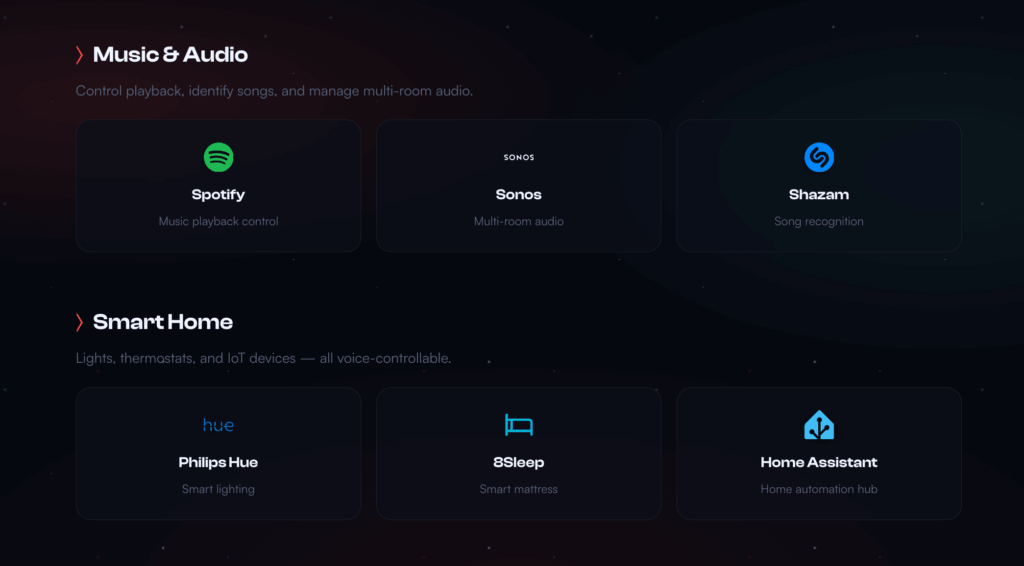
Users add “skills” from ClawHub for new capabilities, like web scraping or smart home control. When I installed a research skill, it enhanced prompts with real-time data pulls. The UX involves simple CLI installs, with previews in chat.
However, I encountered malware risks in unvetted skills, requiring manual code reviews.
Performance Score: 7.5/10. Expansive potential, but trust issues loom.
Proactive Automation: Cron Jobs and Reminders
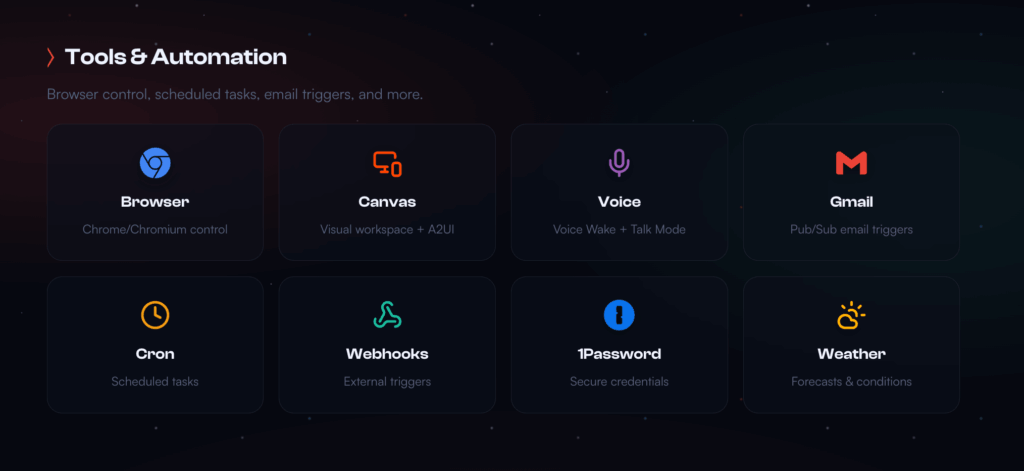
OpenClaw runs background tasks, like monitoring stocks or sending alerts, without constant prompting.
In testing, I set a “competitor watch” job—it pinged me daily with updates, saving manual checks. The interface uses natural language for scheduling, feeling effortless.
Glitches in execution loops burned extra tokens, though.
Performance Score: 8/10. Truly hands-off, with room for reliability tweaks.
Pricing
I pitted OpenClaw against Claude (Anthropic) and Auto-GPT based on hands-on benchmarks and community feedback.
| Feature | OpenClaw AI | Claude | Auto-GPT |
| Speed (Task Completion) | 1-5 minutes for complex actions | 10-30 seconds for queries, no actions | 2-10 minutes, script-heavy |
| Accuracy (Action Reliability) | 80% success, hallucinations possible | 95% in reasoning, limited to chat | 75%, code errors common |
| Customization | High—skills, local mods | Medium—prompt engineering | High—Python scripting |
| Hidden Costs | LLM APIs ($0.02-0.10/token), VPS ($5/month) | Subscription lock-in | Compute for local runs, no APIs |
OpenClaw wins on autonomy and cost-flexibility, but Claude is safer for pure reasoning, and Auto-GPT suits coders needing raw scripts. Hidden costs in OpenClaw include exposed APIs if unsecured.
Pricing is core-free: open-source with no subscriptions.
- Free Tier: Full access, bring your own LLM keys or local models. Best for testing.
- API Costs: Claude ($20/month base) or GPT ($0.02/token). Local like Llama: $0.
- Hosting: Local device (free) or VPS ($5-20/month). Enterprise: Custom scaling.
- Add-Ons: Skills free, but premium models add $50-200/month for heavy use.
Best Value for… Developers: Free local setup. Teams: VPS with APIs for shared agents.
The ‘How-To’ Use It for Productivity Automation
curl -fsSL https://openclaw.ai/install.sh | bash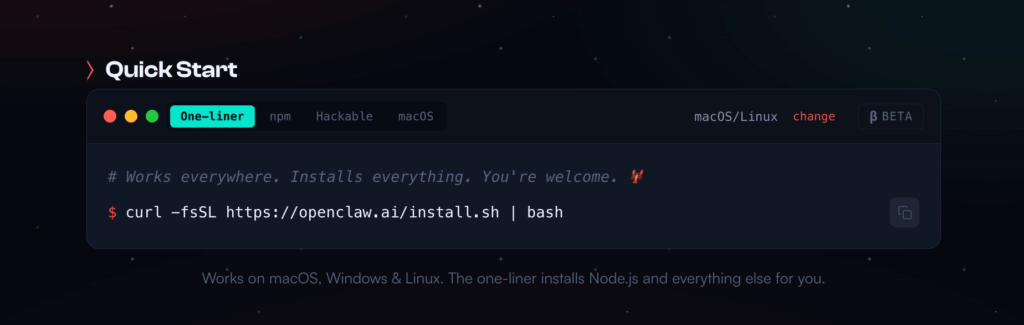
- Install and Setup: Download from GitHub, run via Docker on Mac/Linux/Windows. Add LLM keys (e.g., Claude API).
- Connect Channels: Link to Telegram/WhatsApp—verify bot, grant permissions carefully.
- Define Tasks: Prompt like “Set daily email summary at 8 AM.” Test in chat.
- Add Skills: Install from ClawHub, e.g., “web-browser” for research.
- Monitor and Refine: Use logs to tweak; set heartbeats for proactive checks.
Pros & Cons
Pros:
- True Autonomy: Handles tasks proactively, freeing hours for high-value work.
- Privacy-First: Local runtime keeps data off clouds, ideal for sensitive info.
- Cost-Effective: No platform fees; scale with cheap hosting.
- Community-Driven: 700+ skills expand capabilities endlessly.
- Versatile Access: Chat app integration fits any workflow.
Cons:
- Security Nightmares: High privileges risk malware or leaks—I noticed exposed instances in scans.
- Steep Setup: CLI-heavy; non-coders struggle with installs.
- Inconsistencies: LLM hallucinations derail tasks without oversight.
- Token Burn: Proactive features spike costs unexpectedly.
- No Native Sandbox: Relies on user configs for safety.
The Missing Pieces: Built-in security auditing and easier onboarding wizards would help. Deeper enterprise controls like role-based access are absent.
Real-World Use Cases & Alternatives
In software development, devs use OpenClaw for code reviews—prompting it to scan repos, suggest fixes, and deploy via scripts.
Marketers automate social monitoring, drafting posts from trends. Solopreneurs handle admin like invoice chasing and scheduling.
Alternatives:
- Claude (Anthropic): Switch for safer, reasoning-focused chat; but stick with OpenClaw for action-oriented tasks.
- Auto-GPT: Choose if scripting is key—lower cost, but OpenClaw’s messaging wins for accessibility.
- Microsoft Copilot: Opt for enterprise integration; cheaper for Office users, but OpenClaw offers more open-source freedom.
FAQ
Is OpenClaw AI free?
Yes, open-source core; costs from LLM APIs and optional hosting start at $5/month.
How secure is OpenClaw AI?
High risks with system access—use sandboxes; not for sensitive data without expertise.
What LLMs does OpenClaw support?
Claude 3.5, GPT-4o, local like Llama; switch via config.
Can OpenClaw run offline?
Partially with local models; full features need internet for some skills.
OpenClaw vs. ChatGPT—which is better?
OpenClaw for actions; ChatGPT for quick queries.
Why OpenClaw AI Could Redefine Your Workflow?
Wrapping this up, OpenClaw AI isn’t just another tool—it’s a paradigm shift for anyone tired of passive AI. From my 30-day dive, it transformed my chaotic inbox into a proactive ally, but only after wrestling with setups and safeguards.
If you’re a dev or solopreneur chasing efficiency, dive in; the open-source edge means endless tweaks without vendor lock-in.
Just prioritize security—sandbox it, audit skills, and start small to avoid pitfalls. For more on AI agents, check my previous article on how to how to install n8n locally.
Ready to automate? Grab the GitHub repo and test a basic install—you might never look back. What’s your first task for it? Drop a comment; let’s geek out.